

Why deep links stopped working on X for iOS and what you can do now

TL;DR
- Store redirection and deep links stopped working on X for iOS in early November due to changes in X’s internal WebView.
- App-scheme and App Store redirects were blocked, leaving users stuck on a blank screen.
- This resulted in a significant decline in conversions from organic posts on X.
- The issue was isolated to X iOS and didn’t affect Android or Safari.
- You can recover your flows by using an https fallback or a controlled landing page powered by AppsFlyer’s Deep Linking Suite.
X broken deep linking and redirection – what happened and how to fix it
Deep linking and redirection are designed to be seamless for the user with zero friction. But just recently, they were neither…
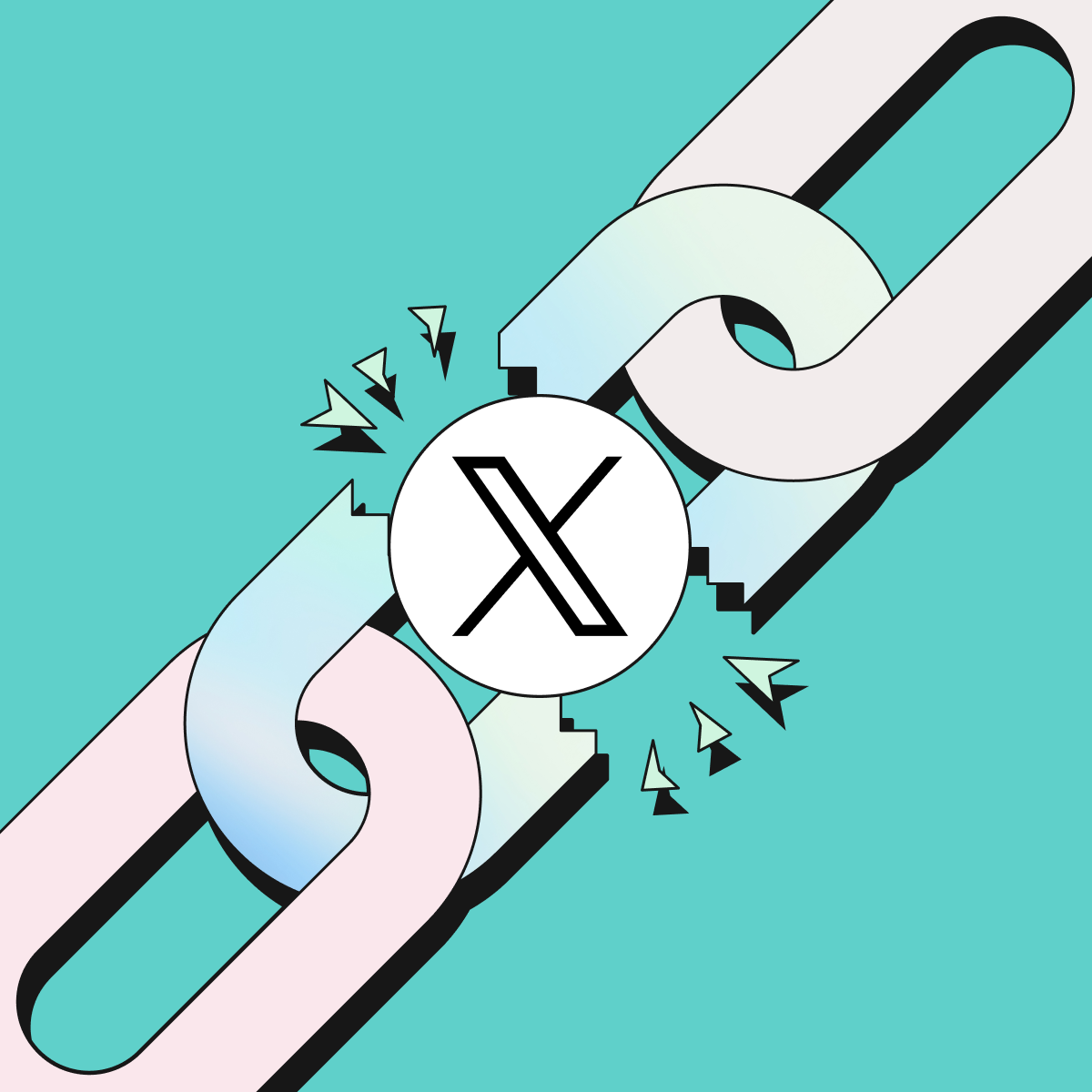
A sudden and consistent failure surfaced on X (formerly Twitter) at the beginning of November, when deep links on iOS stopped opening apps or the App Store. The disruption resulted in no less than an 86% drop in conversions from Organic posts on X.
AppsFlyer’s proactive monitoring identified the problematic store redirection early on and found a quick-win solution that was released immediately.
What exactly happened and how was it resolved? Let’s dive in.
What did end-users experience and why?
According to AppsFlyer’s data, iOS users who tapped on a link in a tweet that was supposed to direct them smoothly to an app, saw their in-app browser freeze on a blank screen.
With deep linking and deferred deep-linking working properly, it should have opened the app or redirected them to the relevant store (if the app was not installed). There was neither a fallback nor an error message. The end result was a broken flow, a frustrated user, and immediate drop in conversions.
The root cause of the problem was X’s internal WebView, the embedded browser X uses to open links inside the app.
A recent WebView update introduced two important behavioral changes:
| What | Before | After |
| App-scheme redirects such as myapp:// | Hand control to iOS to open the installed app | WebView intercepted and stopped redirects Users tapped on the link but nothing happened |
| App Store scheme redirects such as itms-apps:// | Redirect to the App Store | Store redirection is blocked despite the fact that it’s Apple’s recommended format Store website domain is blocked, and there is no automated way to redirect to the store from organic X on iOS |
While using Standard Universal Links is still possible as a method to open the app, it is strongly recommended not to go down that path as it can lead other flows to stop working. Bottom line: Whether the app was installed on the device or not, it was a dead end for end users, resulting in critical business impact for advertisers and app developers.
The problem was limited to X iOS because each major app maintains its own WebView with its own logic.
This restrictive behavior was introduced specifically in X’s iOS WebView and did not impact other apps on Android or Safari.
Solution alternatives
For obvious reasons, the state of linking in X is a no-starter as it carries immediate business impact.
To address this, there are several possible solutions. In this blog, we’ll focus on two (but know that there are more options):
Option 1: Fallback store redirection when an app is not present and is based on https:// web URL.
- Pros: Handles the ‘app not installed’ scenario , preventing broken flows for new users. A good fit if your focus is to acquire new users to your app.
- Cons: Doesn’t work well when you have existing users you’re trying to re-engage because it means they’ll have to go through the store before their app is opened. An extra step in the process could result in a lower conversion rate, leading to a negative business impact.
Option 2: Maintaining an intermediate landing page on your own website allowing you to take back full control of the flow.
- Pros:
- You can use the preferred method for opening the app for existing users from a security and performance perspective (Universal Links).
- You can use a smart solution like AppsFlyer’s Deep Linking Suite backed by OneLink technology to manage your links, measure, and attribute this traffic to app conversions. Our suite allows you to redirect to the app if the user has the app installed, or to the store if they don’t.
- Cons:
- Adding another step in the process for store redirection may lead to a lower conversion rate for new users. That said, based on AppsFlyer’s data (like in this example), marketers who built the landing page correctly generated a performance lift. Just take into account that you would need to invest time and effort to do it right. Putting together the new page experience, A/B testing the colors, CTA, messaging, etc. So, although it has the potential to increase conversion, it requires more work that might not have a priority given it was an existing flow that is broken out of nowhere.
OneLink flexible solution for your alternative of choice
AppsFlyer’s deep linking and redirection suite of solutions has got you covered with its OneLink technology.
If you’d prefer to use option 1, you can set up your URI scheme as an ‘https://’ based scheme, rollout a new version of the app to the App Store, and set up the link with af_dp. This option is not recommended because of the cons mentioned above.
For option 2, using OneLink technology with its social app landing page feature is a good option. Not only will you cover both UA & app re-engagement with OneLink to support new and existing users, but also you can customize the landing page’s creative to showcase your most engaging content. And the best part is that it’s a fully managed AppsFlyer’s capability, so you don’t need any developer help. It’s completely self-serve.
The recommended setup for iOS is through Universal Links. If your links were previously based on the URI scheme, you’ll need a one-time setup as follows:
- Update the OneLink template with the universal links team ID to trigger an AASA file update.
- Release a new version of the app and to the store and force an update so that app users will receive the updated AASA file.
- Ensure Universal Links domains match your OneLink configuration.
The bottom line
Deep linking and redirection should work everywhere, regardless of silent updates or shifting WebView policies. Clear detection of the issue, rapid validation and forward-compatible recommendations ensure that journeys remain reliable across platforms.
Want to learn more about the Social App Landing Page on X? Click here.